Procedural Stars
Animated, procedural stars for Unity URP and HDRP — from red dwarfs to blue giants. Made to be the suns of your star systems, seen from a distance.
Unity 6.3 LTS or newer · URP and HDRP · Version 1.0.0
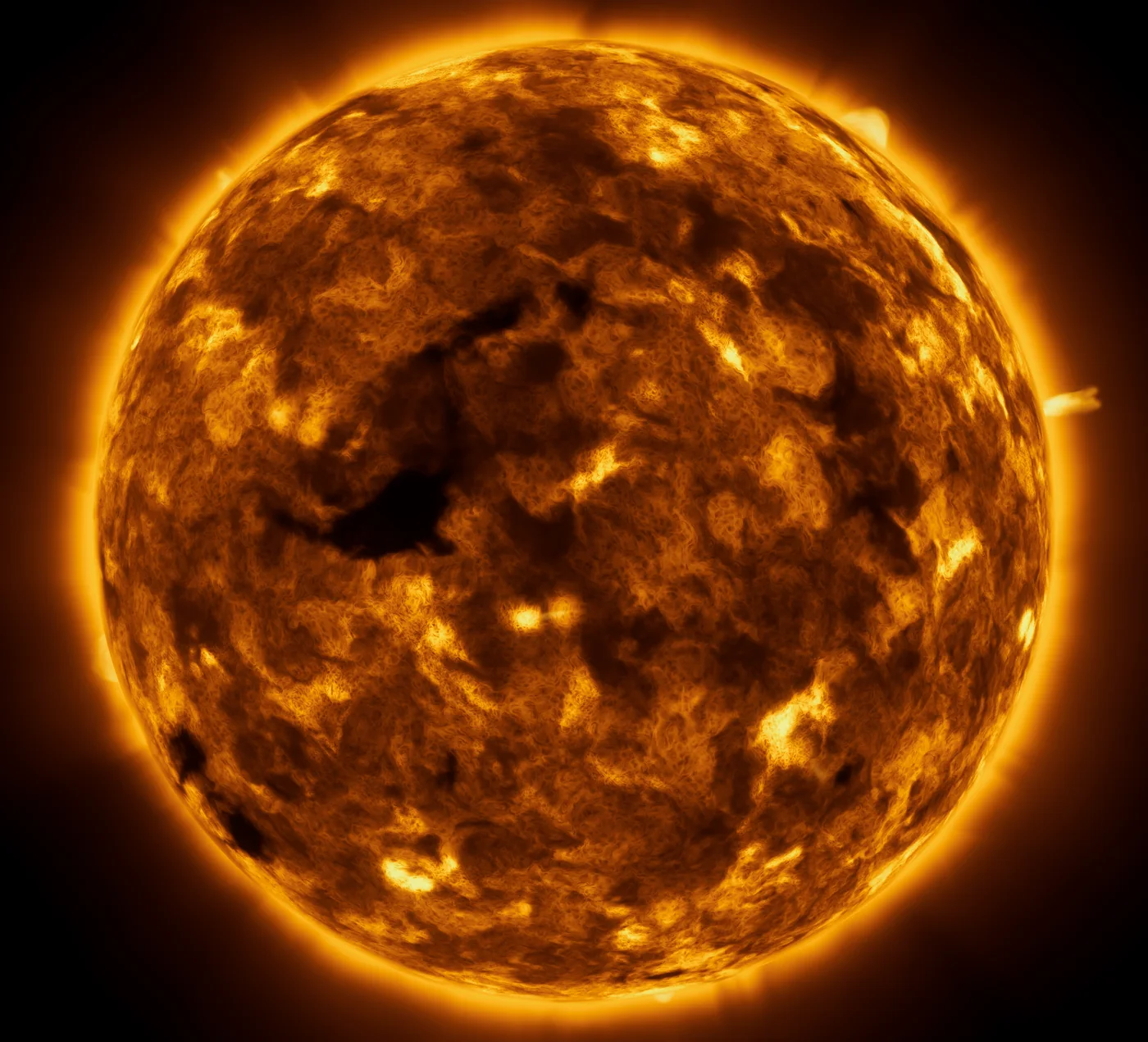
What it is
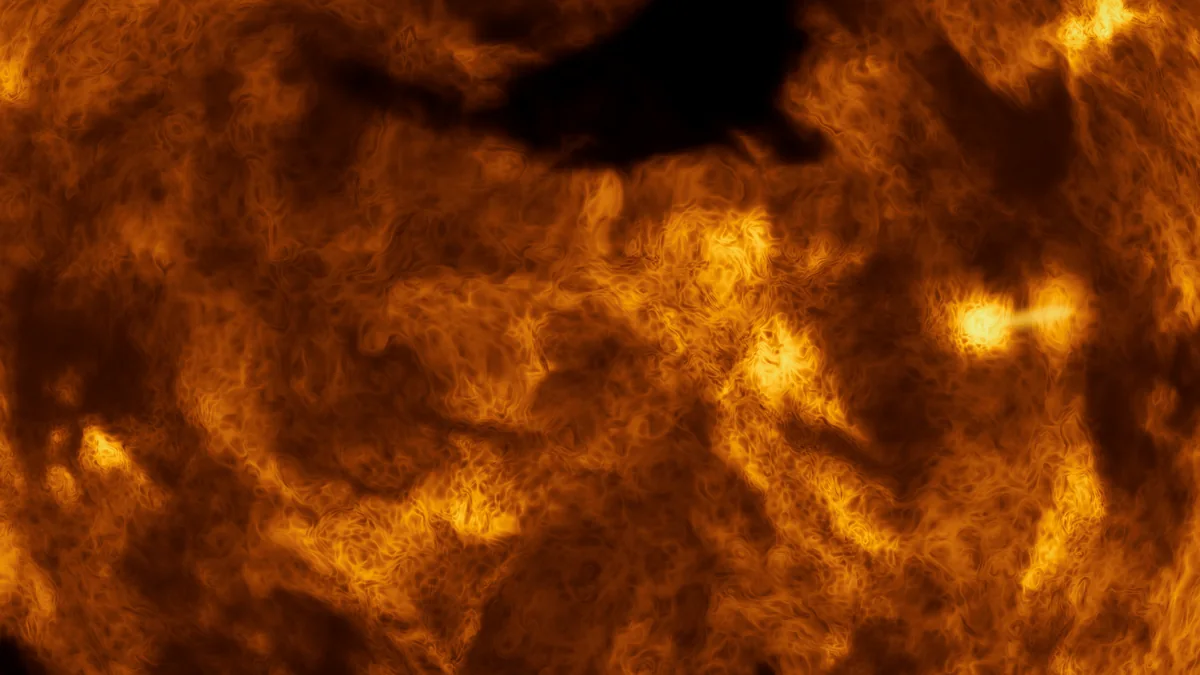
Procedural Stars renders stars that are alive: a granulated surface with active regions and coronal holes that slowly evolve, a soft corona around the disc and coronal loops rising over the limb. Size, temperature, activity and seed are set per star; the colour follows the temperature, from deep red to blue-white.
Each star is drawn as a single camera-facing billboard and raymarched in the pixel shader. It writes the depth of the sphere, so other objects sort correctly in front of and behind it. The surface is baked on the GPU in the background and shared between stars with the same profile, which keeps the cost per star low.
The stars are designed to be seen from a distance — as the suns of a solar system, a backdrop or a strategy map. They are not meant for flying into the surface.
Star classes
Five presets as starting points — every value can be changed freely.
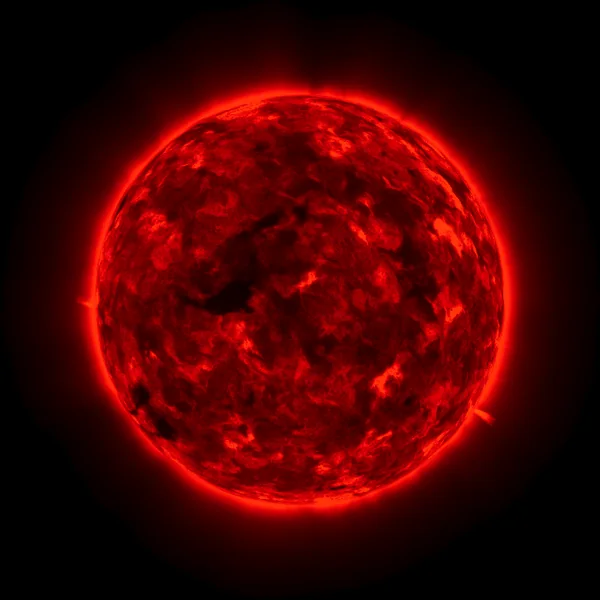
Red dwarf
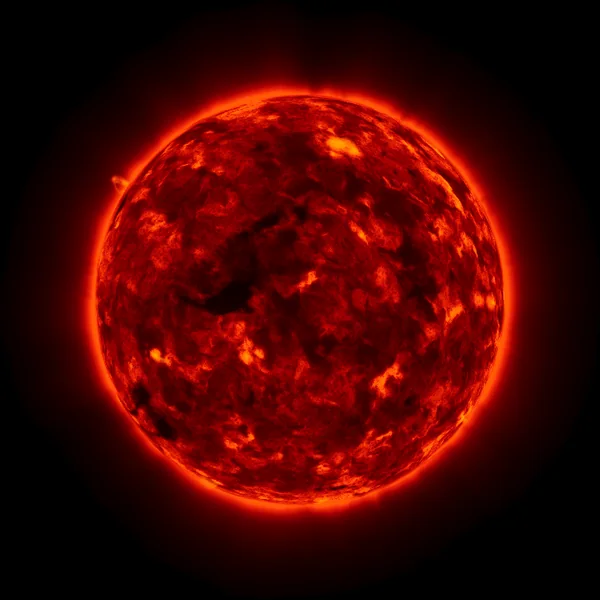
Orange dwarf
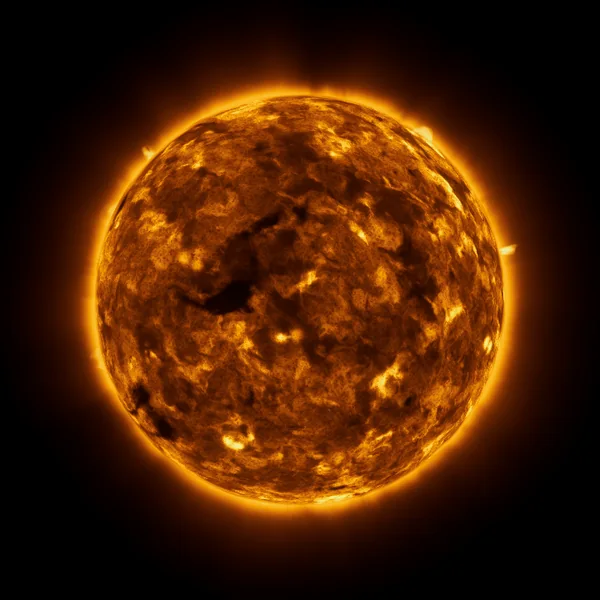
Sun-like
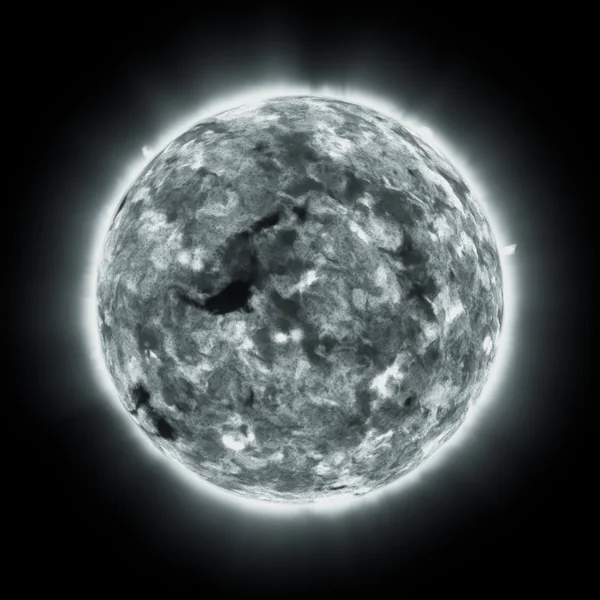
White star
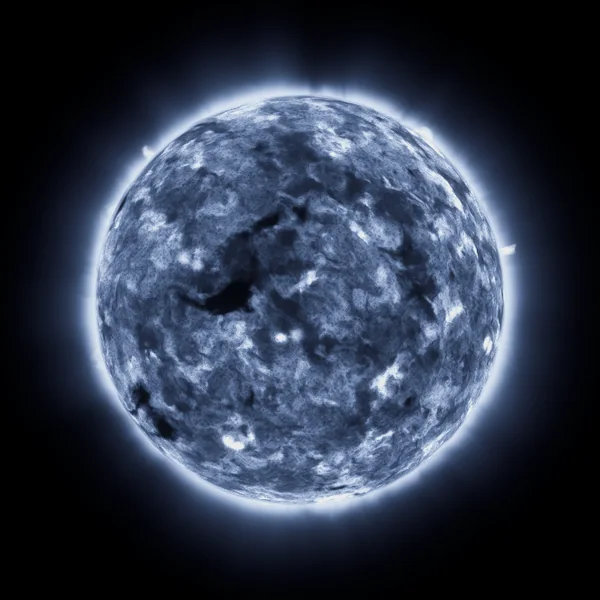
Blue giant
Anything in between
The five classes are presets, not limits. Temperature, radius, activity and seed are continuous — every star between a cool red dwarf and a hot blue giant can be dialled in, in the inspector or from script.
Six view modes
Inspired by how solar observatories see the Sun, plus a look made for games. Set per star, switchable at runtime.
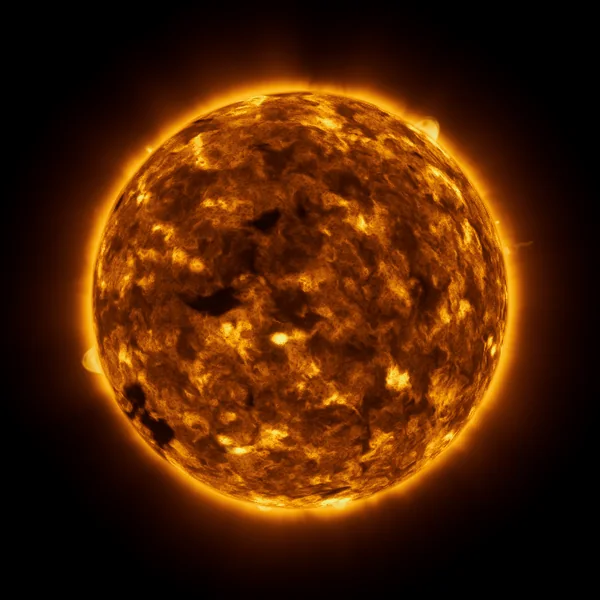
EUV 171 Å
The default look: loops, coronal holes, bright limb.
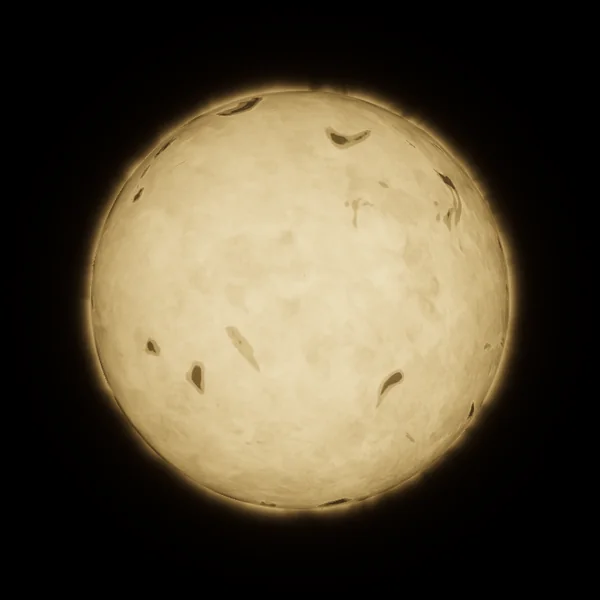
White light
Granulation, sunspots, faculae, limb darkening.
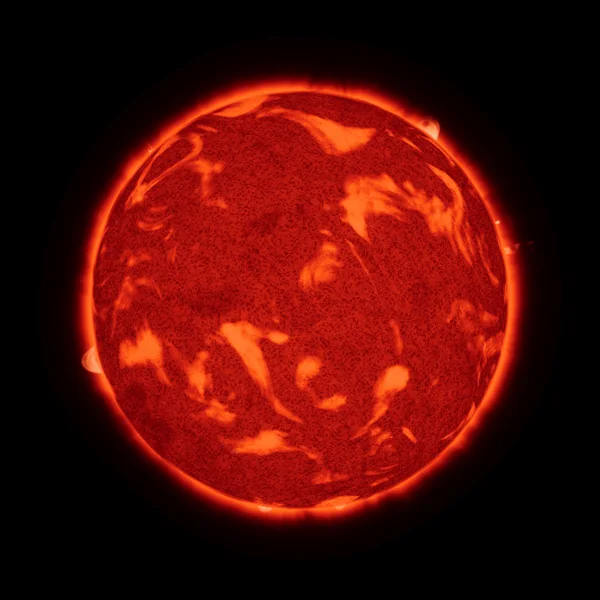
H-alpha
Fibrils, plages and prominences at the limb.
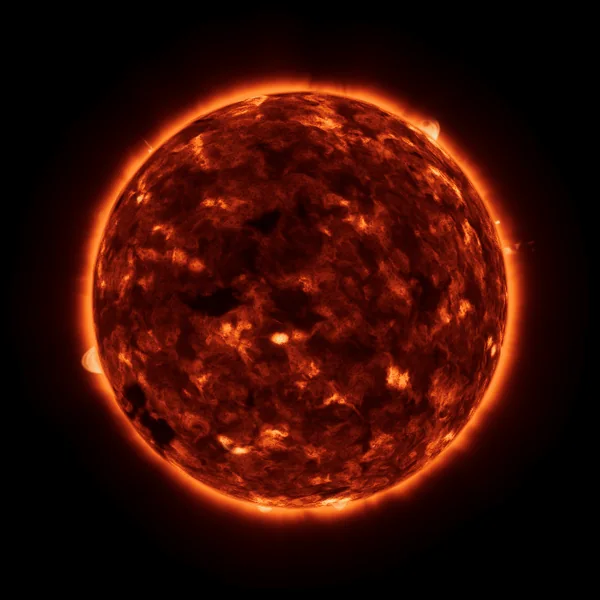
EUV 304 Å
Red-orange structure, stronger spicules.
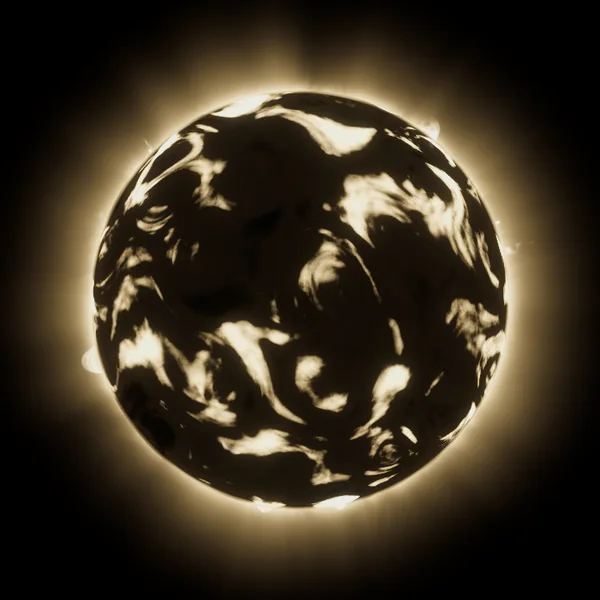
X-ray
Only active regions and loops shine.
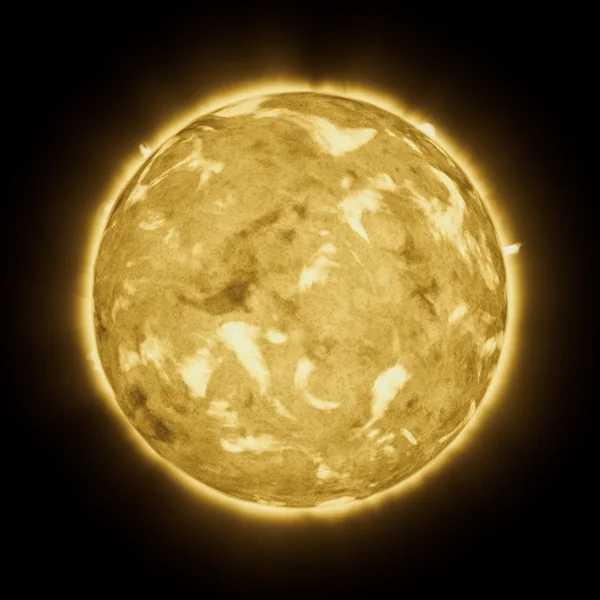
Cinematic
Made for games: the star's own colour, detail and glowing prominences.
Quality levels
Choose per star or project-wide. Distant stars can stay cheap while the main sun gets the full look.
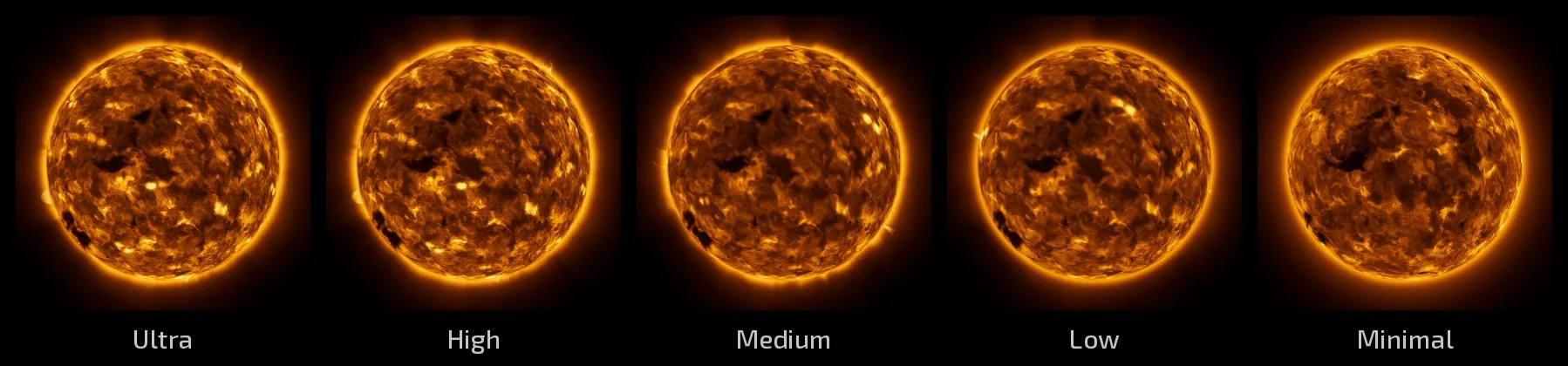
| Level | Surface | Corona | Loops | Desktop GPU* | Laptop iGPU* |
|---|---|---|---|---|---|
| Minimal | baked disc, no raymarch | glow only | — | 0.07 ms | 0.54 ms |
| Low | baked, reduced detail | reduced volume | about a third | 0.52 ms | 2.98 ms |
| Medium | baked | reduced volume | half | 0.57 ms | 3.25 ms |
| High | baked, full detail | full volume | all | 0.82 ms | 4.64 ms |
| Ultra | baked, full detail | full volume | all, most strands | 0.88 ms | 4.82 ms |
* GPU time of one sun-like star half the screen high, 1920 × 1080, URP, material mode, measured in a player build: a desktop GPU of the Radeon RX 9070 XT class and a Radeon 760M laptop integrated GPU.
Two ways to render
Both look the same, can be mixed in one scene and share every setting. Pick per star or project-wide.
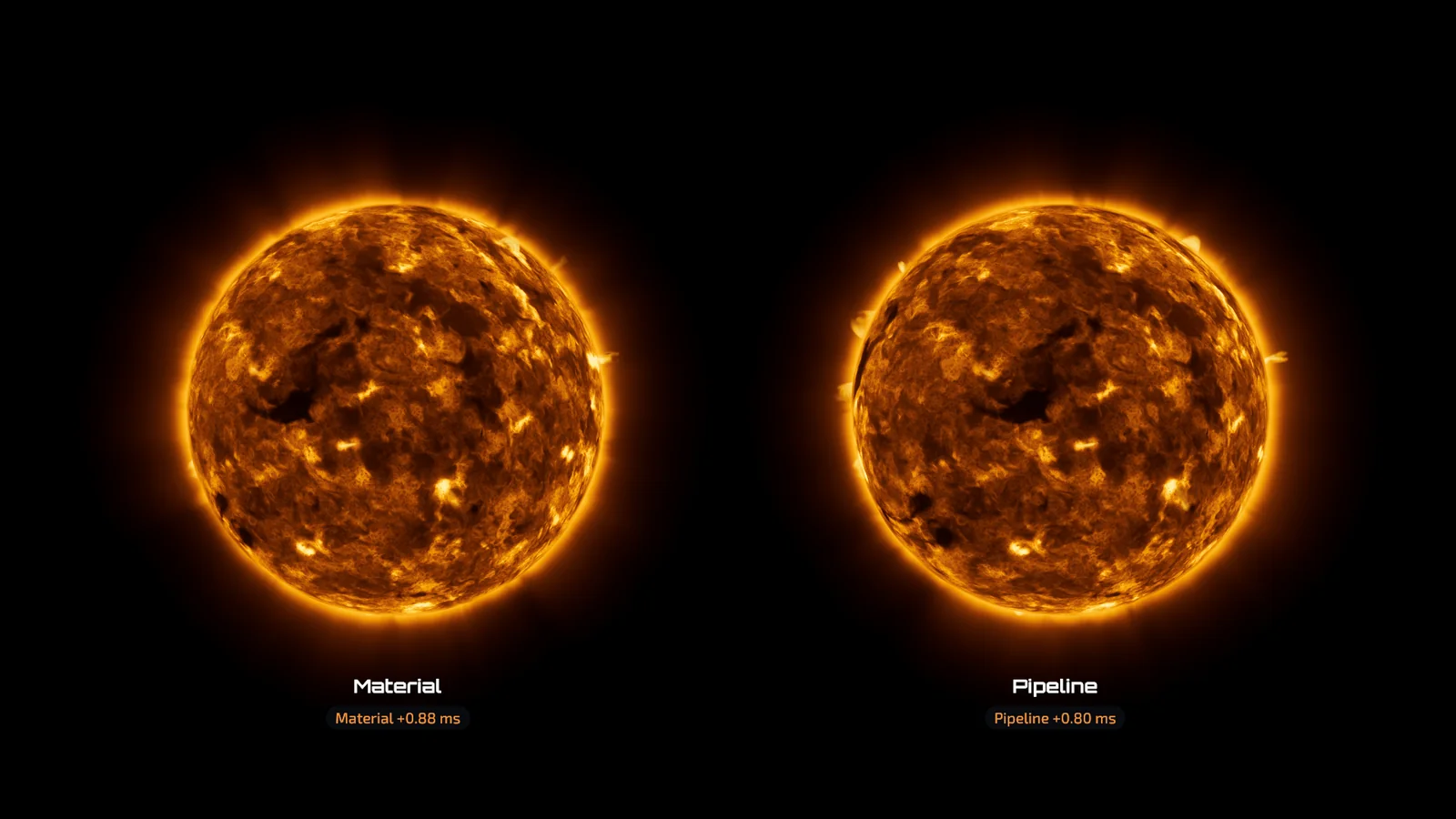
Material mode (default)
Drop it in, no setup: the star draws like any renderer. Any number of stars, every camera, layer and reflection probe, motion vectors for TAA.
Pipeline mode
A URP renderer feature or HDRP custom pass, set up with one click. Corona at half resolution, up to 8 stars per camera.
| One star, half the screen high | Material mode* | Pipeline mode* |
|---|---|---|
| Ultra | 0.88 ms | 0.99 ms |
| High | 0.82 ms | 0.83 ms |
| Medium | 0.57 ms | 0.67 ms |
| Low | 0.52 ms | 0.61 ms |
| Eight small stars, Low | 0.19 ms | 0.74 ms |
* Desktop GPU of the Radeon RX 9070 XT class, 1920 × 1080, URP. More numbers in the documentation.
How it works
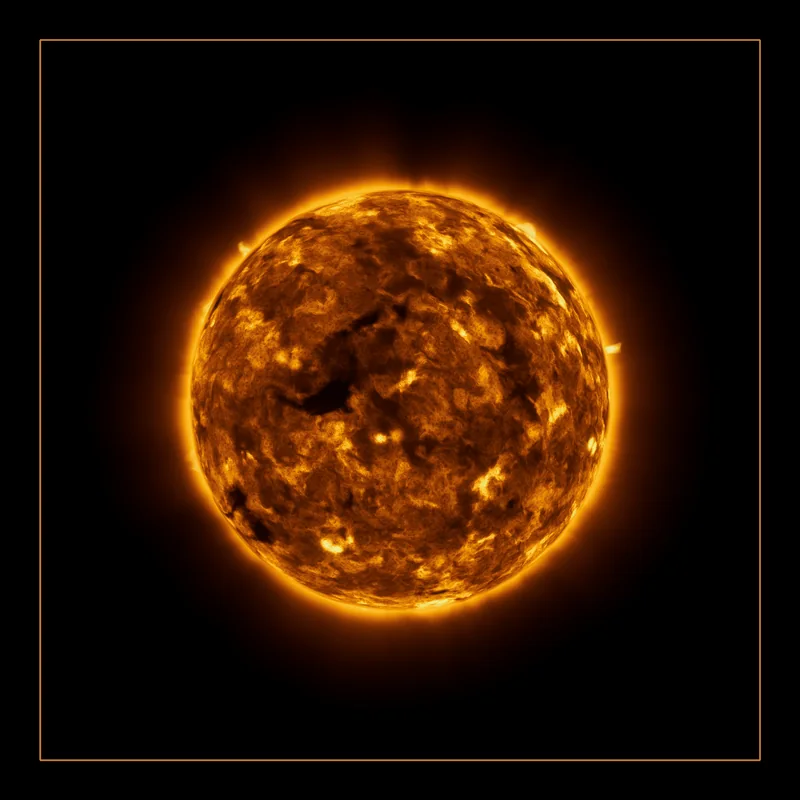
One quad per star
A camera-facing quad (or, as an option, a sphere) covers the star; the star is raymarched in the pixel shader.
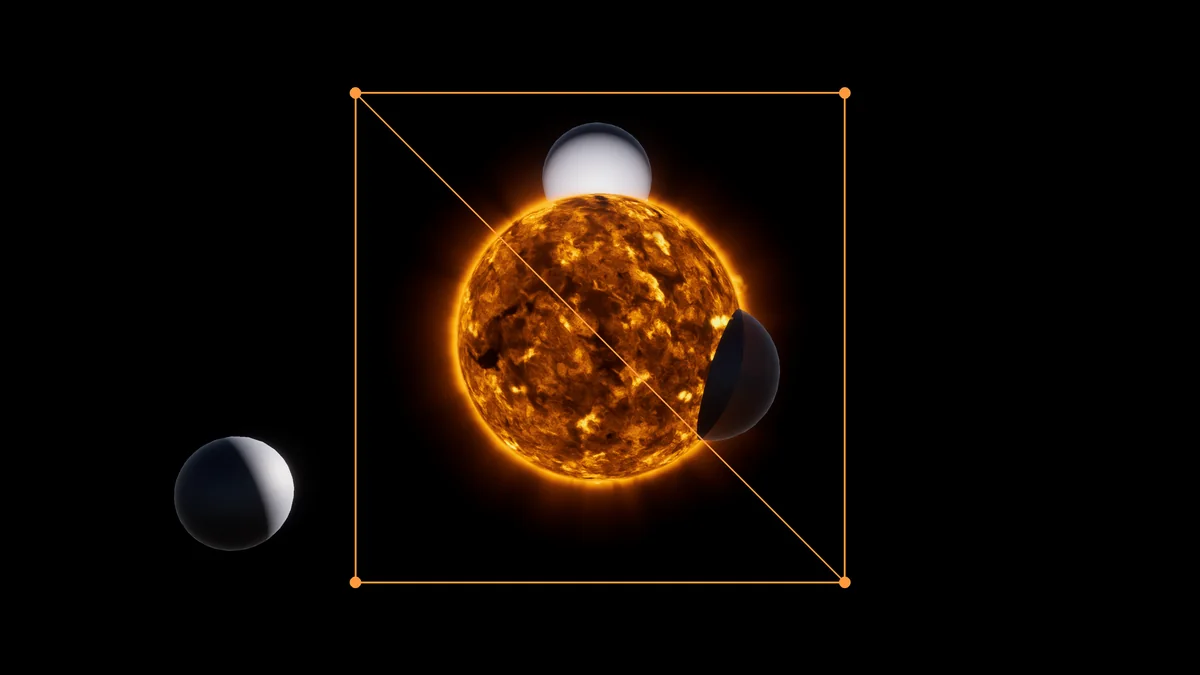
Per-pixel depth
The shader writes the sphere's depth, so planets and ships sort correctly in front and behind.
Baked in the background
Surface and corona are baked by compute shaders within a per-frame time budget and shared between stars.
Requirements
- Unity
- 6.3 LTS or newer
- Render pipeline
- URP and HDRP
- Graphics API
- Any with compute shaders; tested with Vulkan
- GPU
- Compute shaders required
- Stars per frame
- Any number (material mode); up to 8 per camera (pipeline mode)
- Platforms tested
- Linux player and editor (Vulkan)
- URP
- Depth Texture on (the default) so glow ends at objects in front
Good to know
- Built for viewing from a distance; extreme close-ups are not the goal.
- The first frames after loading show a live or simplified surface until the bake is ready.
- Not tested on mobile or WebGL.
FAQ
Can I fly into the star?
No — the stars are designed for distant views. The camera can come reasonably close, but there is no surface or interior to fly through.
Does it light my scene?
The optional Star Light component drives a light of your choice: its colour follows the star's temperature and its brightness the star's size and temperature. The star itself takes no light and casts no shadows.
Do I need a renderer feature or custom pass?
No. In the default material mode a star draws like any object. The renderer feature (URP) or custom pass (HDRP) is only needed for the optional pipeline mode, and is set up with one click.
Which render pipelines are supported?
Both URP and HDRP are supported from the first release. The tested Unity versions and graphics APIs are listed under Requirements.