Procedural Black Hole
A procedural black hole for Unity (URP and HDRP): the shadow, the accretion disk seen over and under it, the photon ring, Doppler shift and jets, in six presets and one component. Every seed gives the disk a pattern of its own; presets are editable and you can make your own.
The background is not distorted: the hole does not bend the sky or the scene behind it.
Unity 6.3 LTS or newer · URP and HDRP · Version 1.0.0

What it is
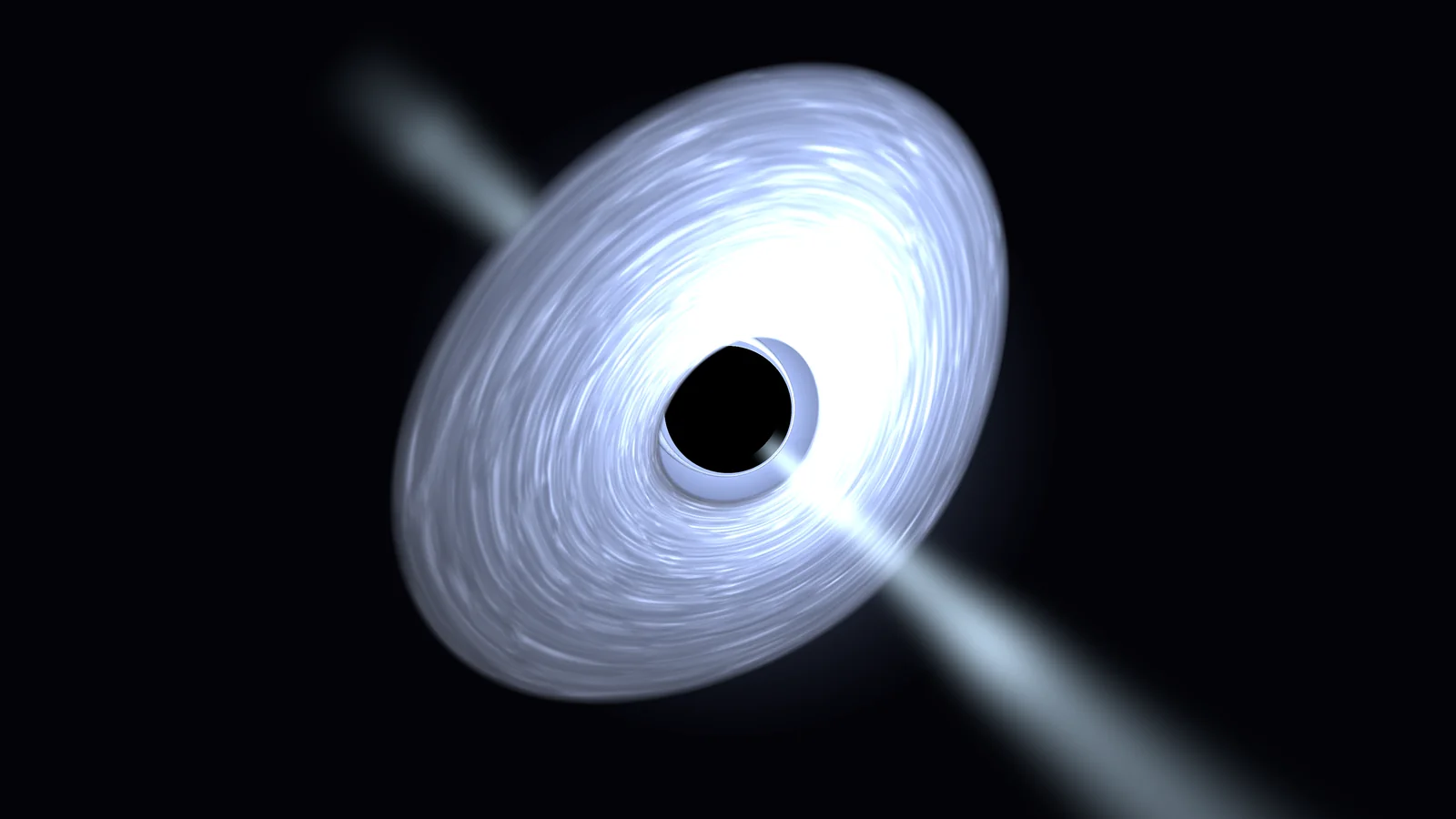
Procedural Black Hole draws a black hole in real time: the round shadow, the accretion disk seen directly and as the image bent over and under the shadow, the photon ring, Doppler brightening and redshift, a halo and, on two looks, jets. The preset sets the design of the look, the seed generates the pattern of the disk (streaks and dust), different for every seed; radius, quality and time are set per hole. Presets are adjustable: every value in the preset inspector can be changed, and a duplicated preset is a look of your own.
A shader traces every pixel from lookup tables that ship with the package and a small disk texture that the GPU bakes once per look, or that you store as an asset. The hole is a transparent object in every camera, with no renderer feature, no custom pass and no setup.
The background is not distorted. The hole is traced correctly, the scene behind it is not bent: the sky, the stars and other objects stay as your scene draws them. The hole is made to be seen from a distance, as the centre of a galaxy, a hazard or the light of a system.
What it draws
Everything is traced per pixel; none of it is a texture of a picture.
Shadow and photon ring
The round shadow and the thin bright ring at its edge.
Accretion disk
Seen directly and as the image over and under the shadow, with streaks, dust lanes, spiral arms and a veil.
Doppler and redshift
The side moving towards you is brighter and bluer, the other dimmer and redder.
Halo and jets
A glow at the shadow’s edge; two jets with moving knots on Torus and Quasar.
Time
The disk turns and the knots travel; Time Scale sets the speed.
Six presets
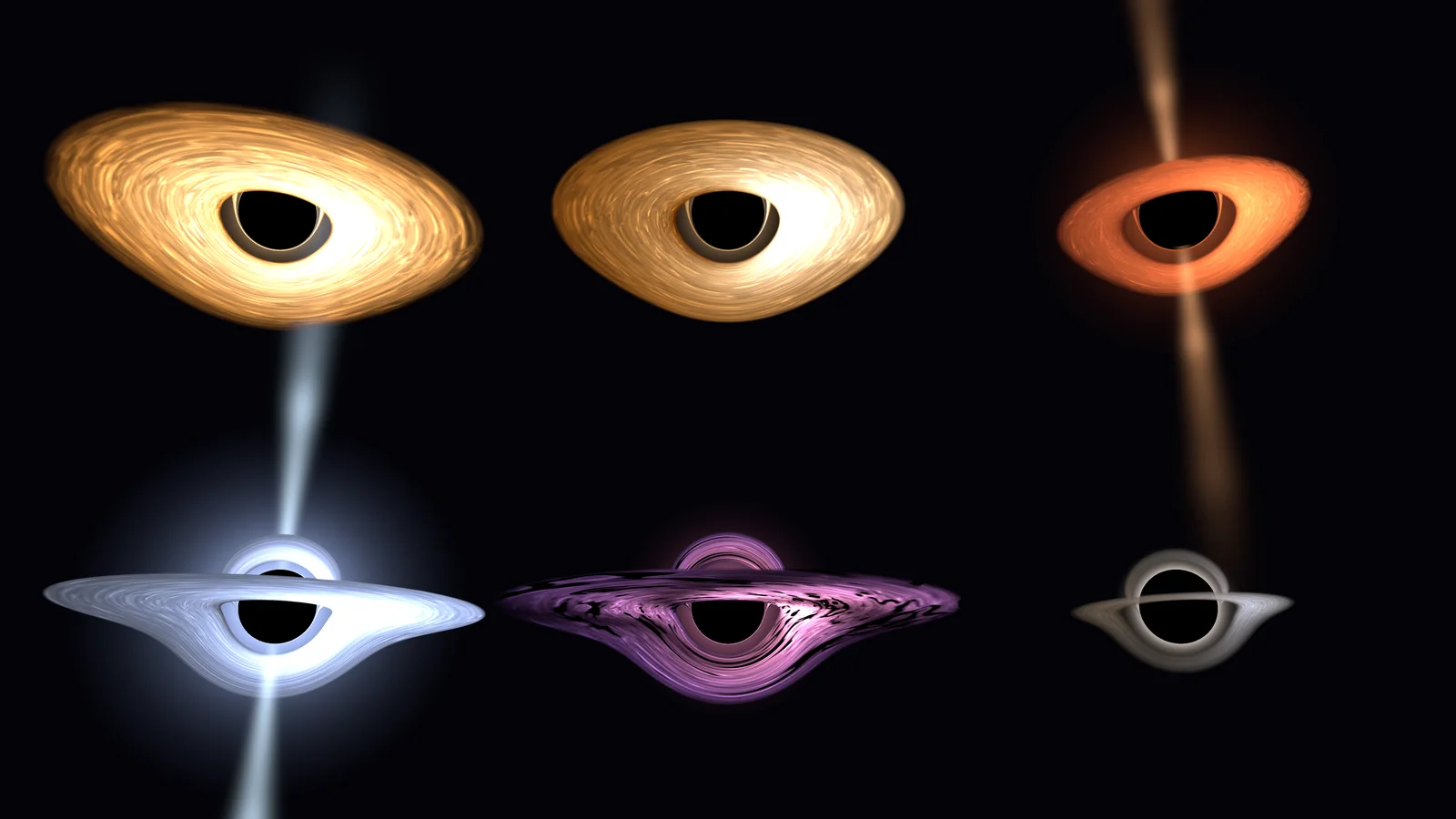
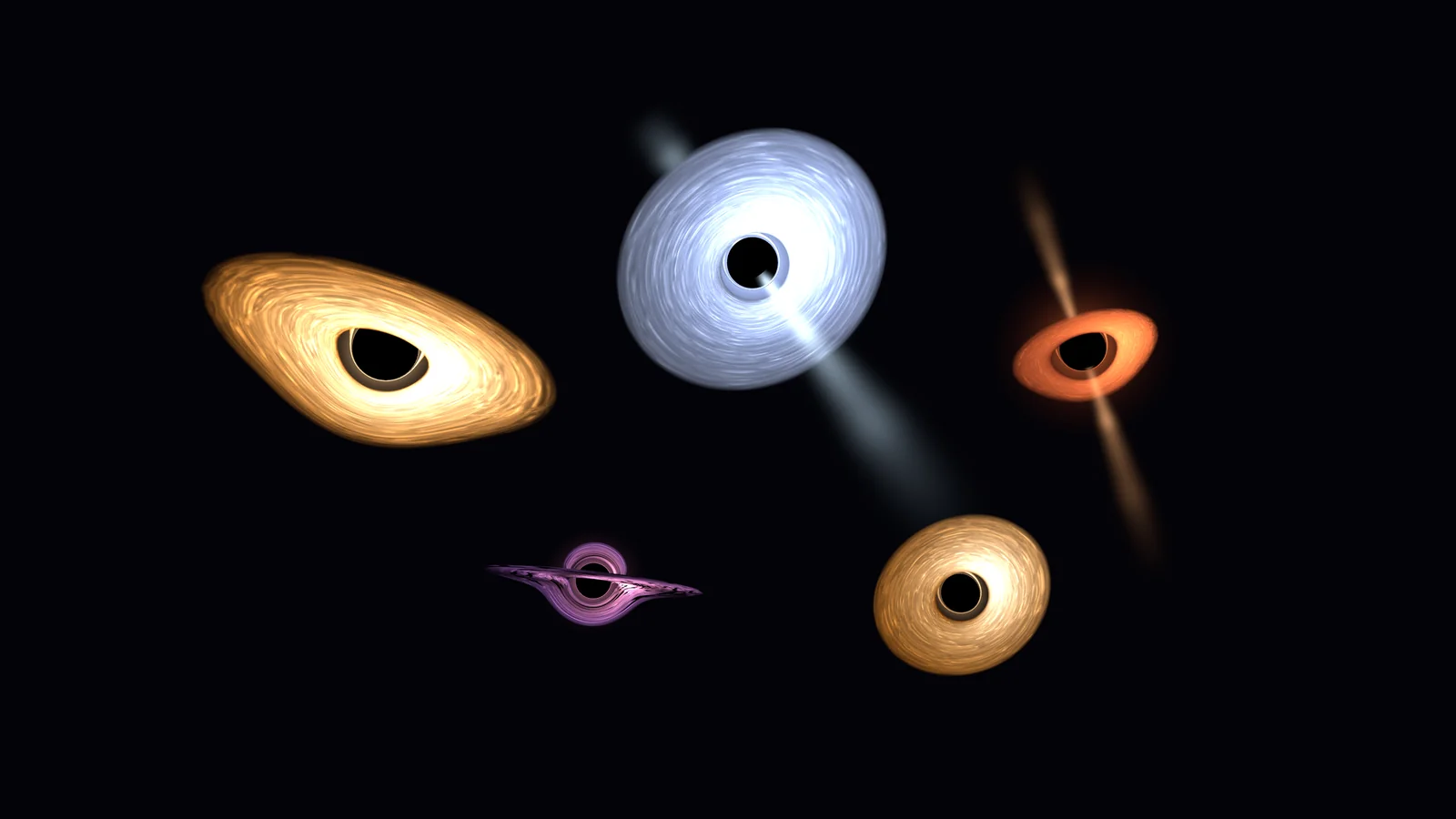
A preset only sets the design of a look; each combines with any seed, and every seed gives the disk its own pattern. Every value can be changed per hole, and a duplicated preset is a look of your own.
Amber
The default: a warm, bright disk with streaks and dust.
Physical
A thick disk coloured by blackbody temperature, full Doppler shift.
Torus
A thick, narrow torus with a bright halo and two jets.
Quasar
A hot blue-white disk with a strong halo and long jets.
Nebula
A wide disk with three spiral arms and strong dust lanes.
Dormant
A small, thin, dim disk.
Inclination
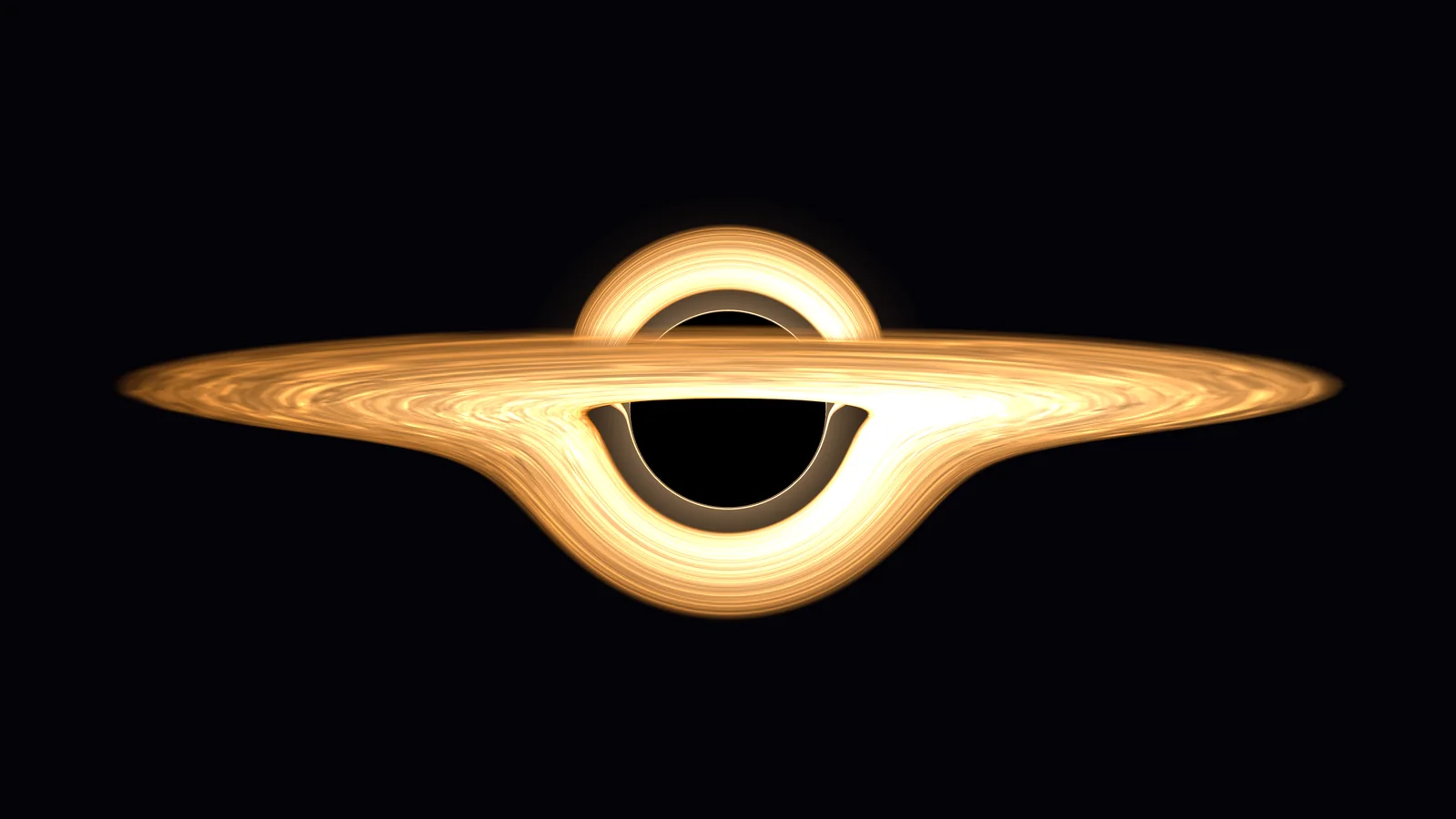
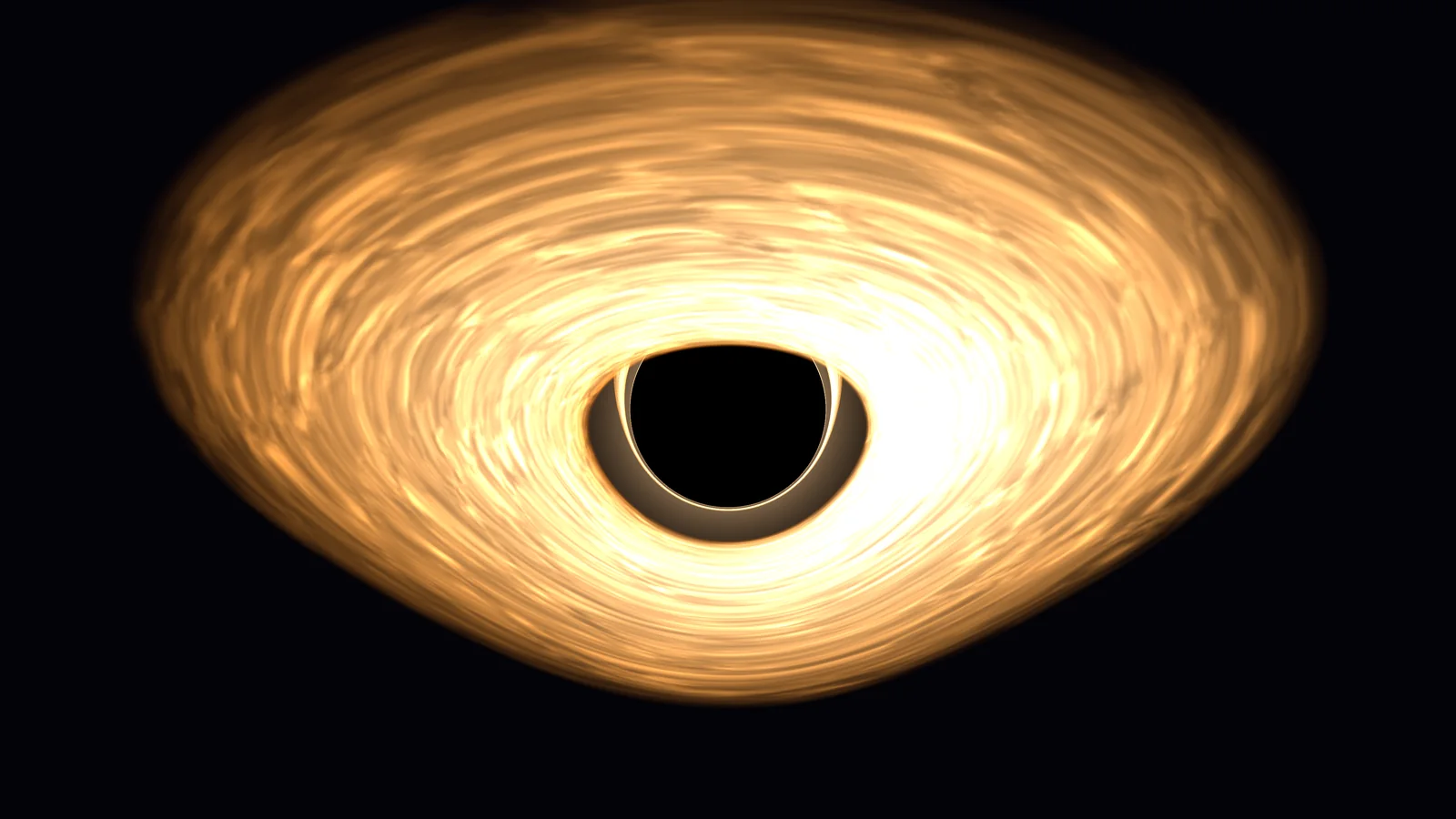
Rotate the object and the disk tilts with it. The image over and under the shadow follows.
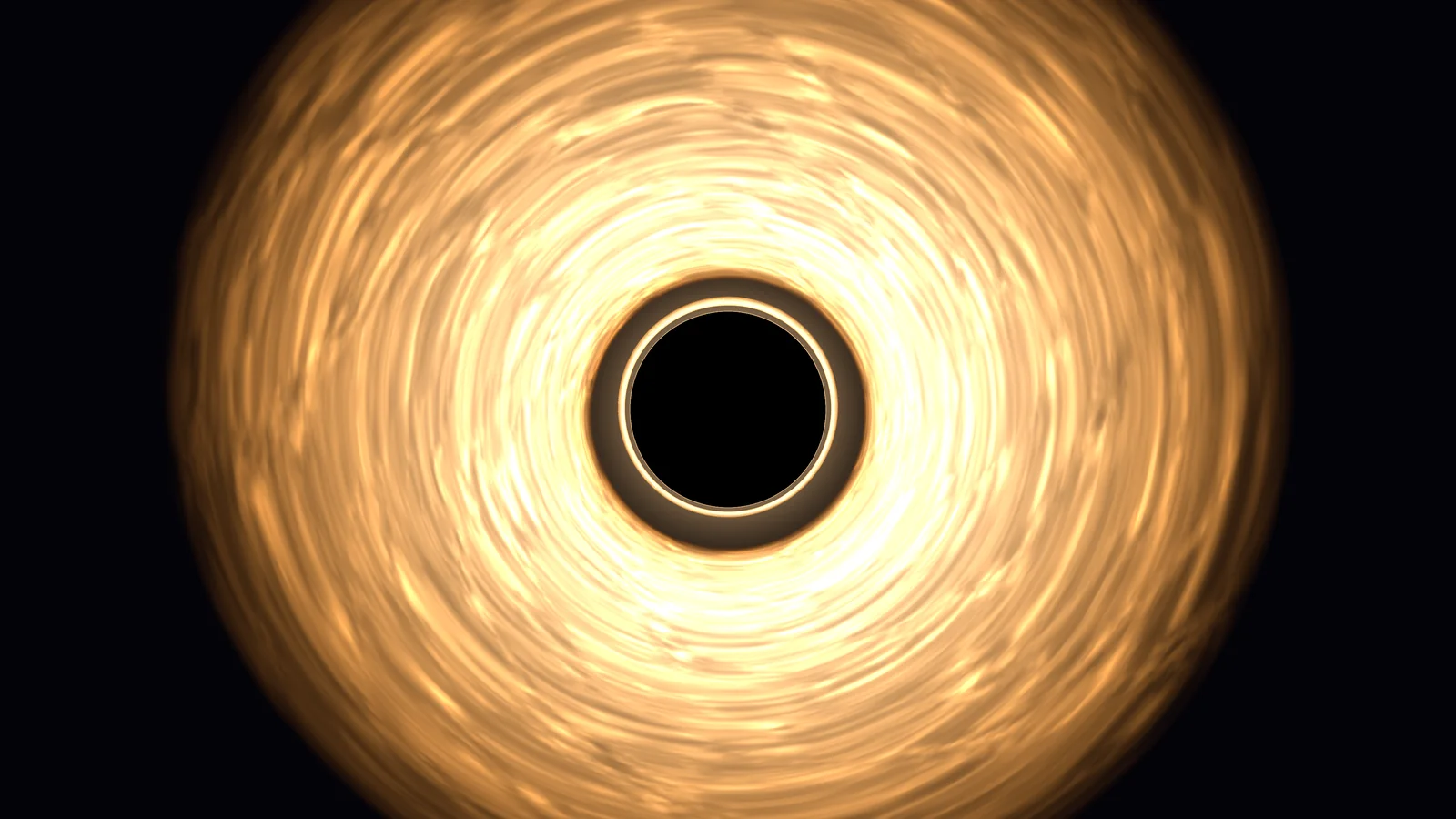
The hole as a light
Black Hole Light drives a regular Unity light from the hole: colour from the disk, intensity from its brightness and area. Put a sun component of Procedural Planets or Procedural Gas Giants on it and the planets and gas giants around the hole are lit by it.
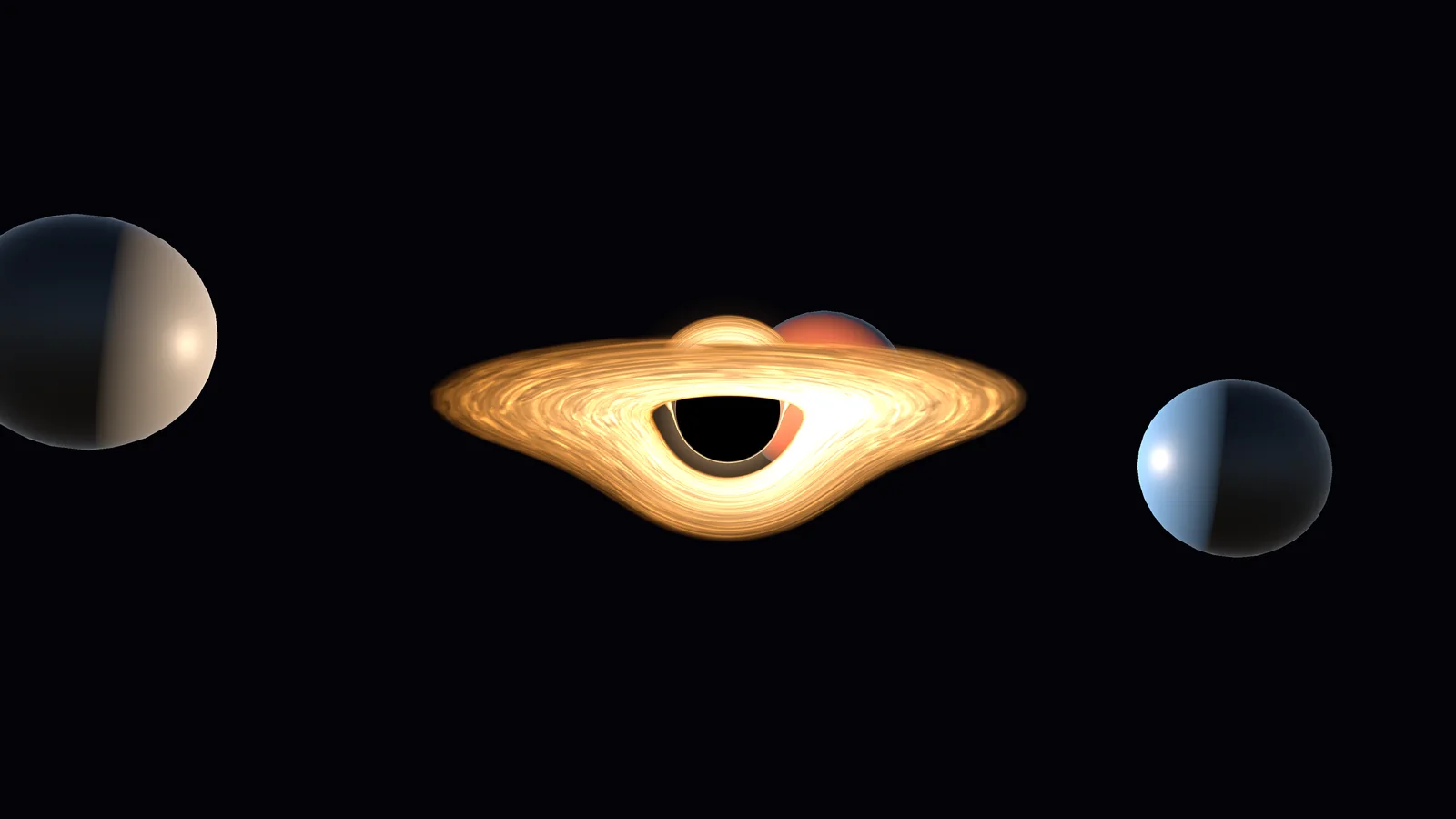
Quality levels
Four levels. Ultra is the tuned look; the lower levels cap the disk crossings, rays and taps and switch halo and jets off at Low.
| Level | Disk crossings | Rays per pixel | Halo and jets |
|---|---|---|---|
| Ultra | as tuned | as tuned | yes |
| High | at most 3 | at most 2 | yes |
| Medium | at most 3 | at most 1 | yes |
| Low | at most 2 | at most 1 | no |
A hole that fills the screen height at 1080p costs 0.04 to 0.11 ms in URP and 0.04 to 0.15 ms in HDRP (AMD Radeon RX 9070 XT class; all presets and levels; Amber at Ultra 0.07 ms in URP). The disk texture is 2.7 MiB, shared by holes with the same seed and pattern.
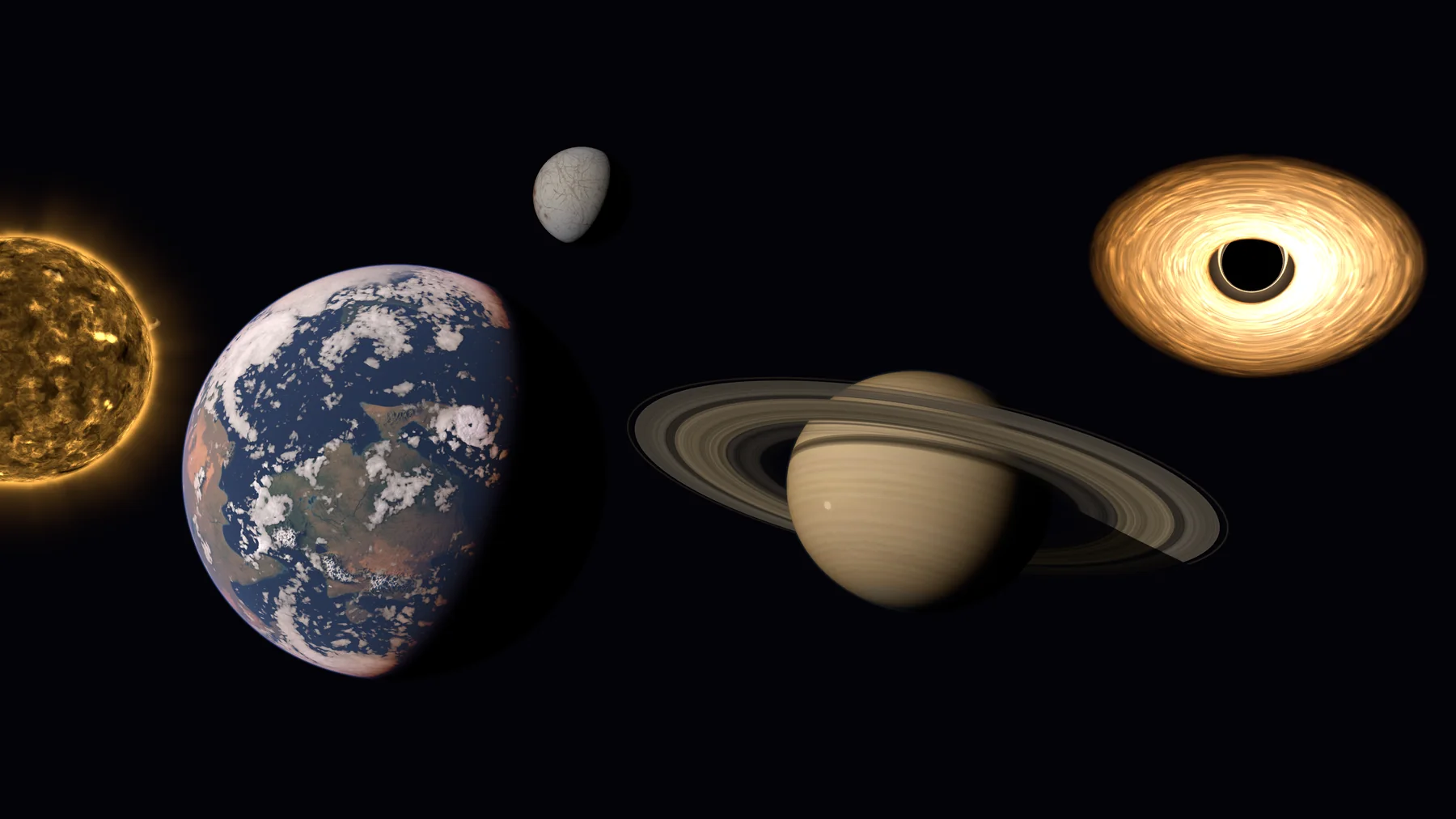
Works together with Procedural Stars, Planets and Gas Giants
The packages install side by side and share no code.
- A hole lights planets and gas giants through its Black Hole Light.
- A star, a planet with a moon, a gas giant with a ring and a hole can share one scene.
- None of them is required.
How it works
- 01
Add the hole
One menu entry adds a black hole and the light it casts.
- 02
Pick a look
Drop a preset on the component, tilt the object, change any value per hole.
- 03
Keep the camera out
One call keeps your camera at least 2.2 Schwarzschild radii away.
Requirements
- Unity
- 6.3 LTS or newer
- Render pipeline
- URP and HDRP
- Graphics API
- Compute shaders to bake the disk texture: Direct3D 12, Vulkan or Metal. A stored disk texture needs none. Direct3D 11 is not supported.
- Holes per scene
- Any number; holes with the same seed and pattern share one 2.7 MiB texture.
- Platforms tested
- Linux (Vulkan). Windows (Direct3D 12) is set up but not tested yet.
Good to know
- The background is not distorted. The sky, the stars and the scene behind the hole are not bent. The disk and the shadow are traced correctly.
- No exact spin: the shadow is round; the disk turns.
- The camera cannot come closer than 2.2 Schwarzschild radii.
- The hole writes no depth: depth of field, motion blur and soft particles do not see it, and it sorts with other transparent objects by distance.
- A strong bloom lifts the shadow; the documentation lists settings that keep it black.
- No Pipeline mode, no simulation, no generator.
- Not tested on mobile or WebGL. Direct3D 11 and macOS are not supported.
FAQ
Does the black hole bend the background?
No. The hole does not distort the sky, the stars or the objects behind it. The disk is traced through the curved space around the hole, which gives the image over and under the shadow and the photon ring; the scene is not.
Which looks are included?
Six presets: Amber, Physical, Torus, Quasar, Nebula and Dormant, each with any seed.
Is the disk a fixed texture?
No. The streaks and dust of the disk are generated from the seed; a preset only sets the design of the look. Shadow and photon ring are the same for every seed.
Can I change a preset or make my own?
Yes. Every value in the preset inspector can be changed and a duplicated preset is a new look. There is no dedicated tuning editor, so extreme values can give a plain disk.
Does it have jets?
Torus and Quasar have jets; an override can add them to any look.
Can the camera fly into the hole?
No. Keep it at least 2.2 Schwarzschild radii away; one call does it.
Why is the shadow not black?
A strong bloom in the render pipeline lifts it. The documentation lists settings that keep it black.
Does it light the scene?
Yes, through Black Hole Light, which drives a regular Unity light.
How much does it cost to draw?
The GPU time per preset and level is listed in the documentation and on this page; a hole that fills the screen height is a fraction of a millisecond.
Do I need a renderer feature or custom pass?
No. A hole is a transparent object in every camera.
Which render pipelines are supported?
Both URP and HDRP.
Does it work with Procedural Stars, Planets and Gas Giants?
Yes. The packages install side by side; see “Works together”.
Does it run on Windows?
Windows (Direct3D 12) is set up but not tested yet.